
Fast pages by default
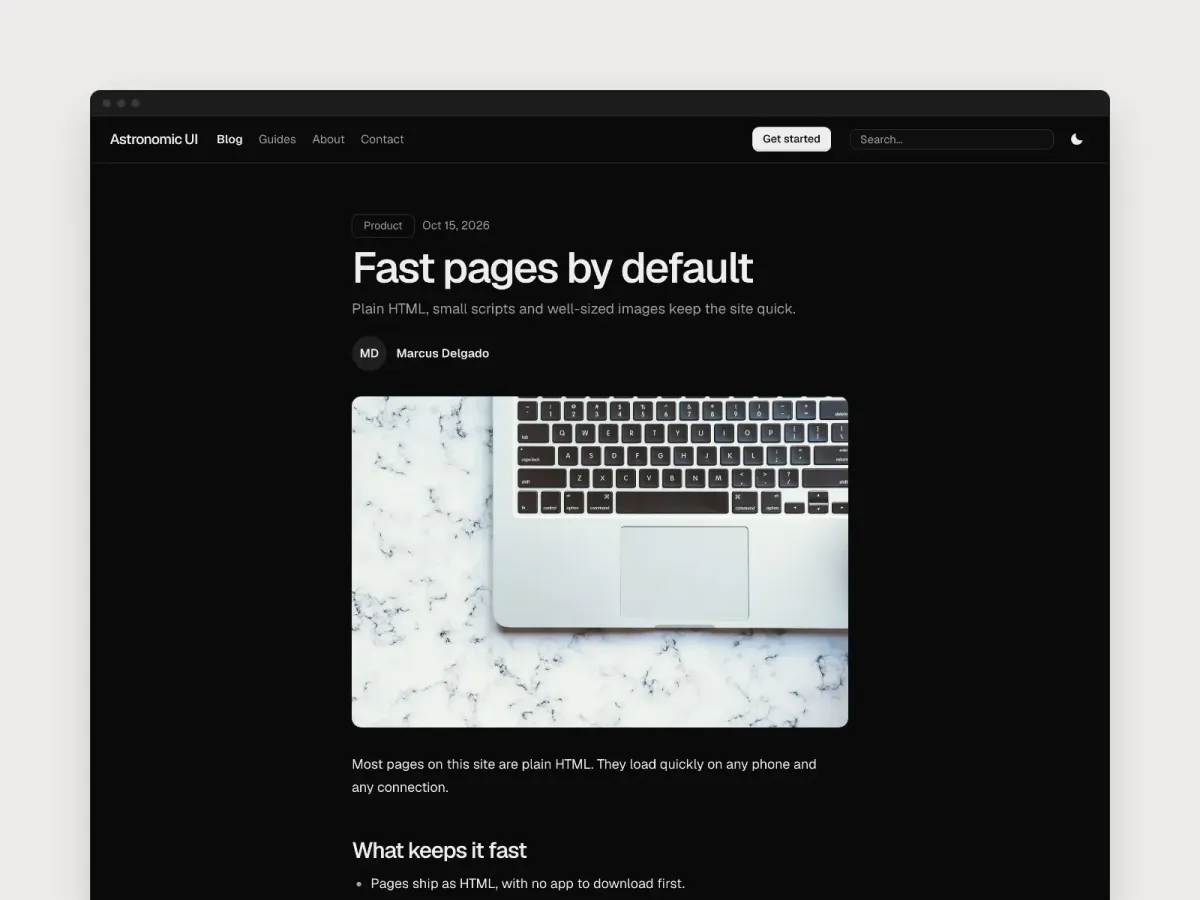
Plain HTML, small scripts and well-sized images keep the site quick.
Marcus Delgado
Free Astro parts that fit together. Replace our words with yours, keep the parts, and change the look with one line.
Works with
Each part is made to work with the others, on any screen, in light and dark.
Navigation, sections, forms and footers share one set of design tokens.
Switch from Minimal to Soft, Ink or another preset with one line of CSS.
Every page reads well in both, and visitors can pick.
Write in Markdown files, or edit in EmDash.
Search works on a static site and on a server.
Each part sizes to its own box, from a phone to a wide screen.
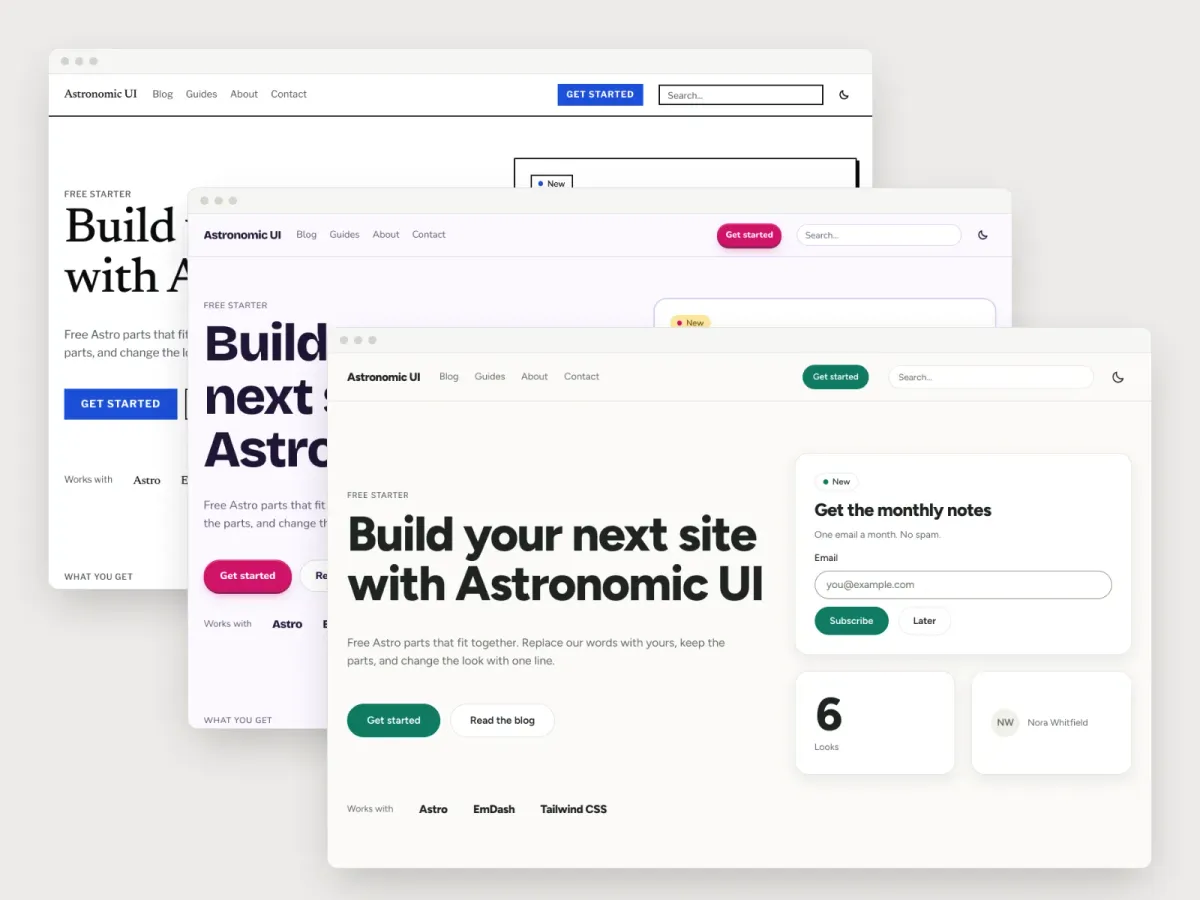
Real pages from this starter: three looks, dark mode and a phone.
The same home page in Ink, Playful and Soft. Only the look line changed.
Visitors pick light or dark, and every part follows. Photos keep their own color.
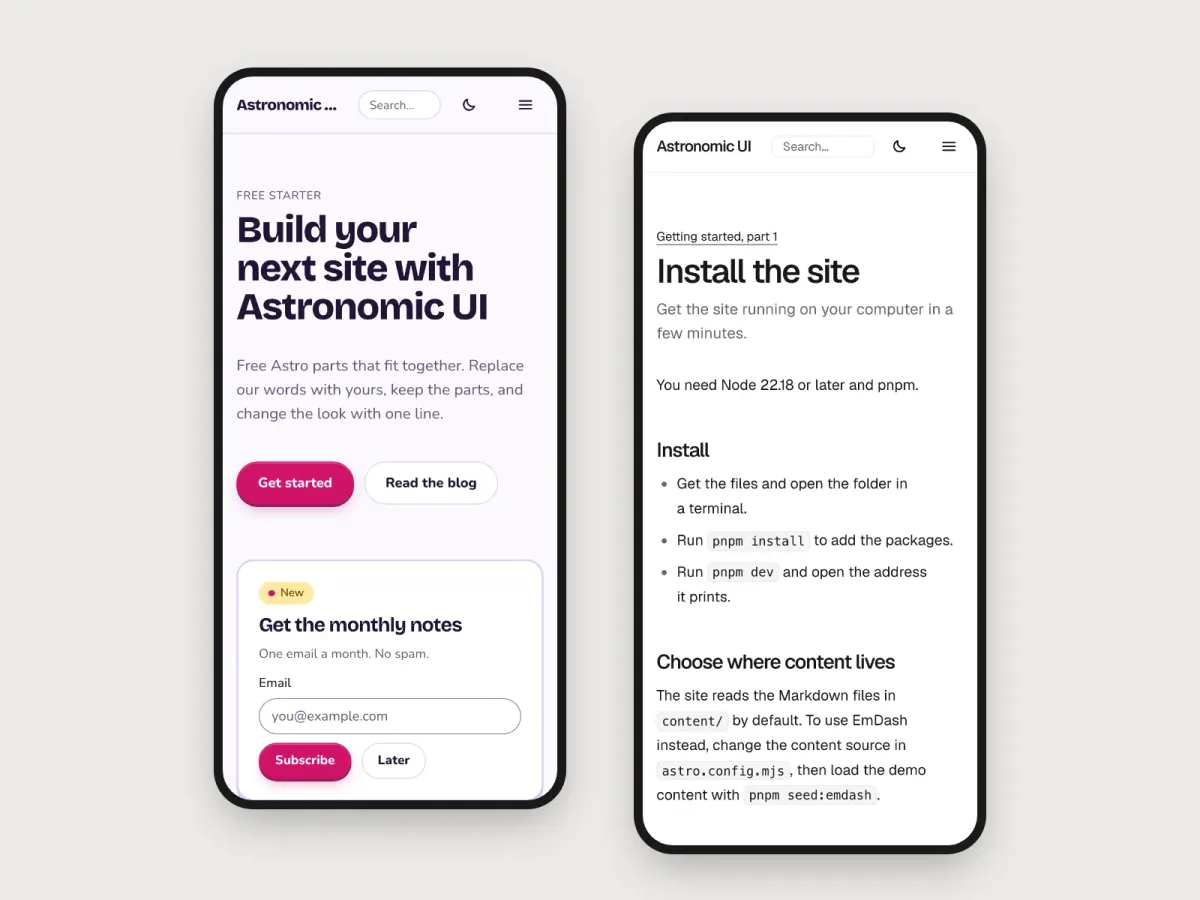
Each part sizes to its own box, so pages read well on a small screen.
Three short steps. The look is one line of CSS, and every page follows it: type, color, corners and spacing.
Copy the starter, install the packages, and start the dev server.
Try each one with the buttons here. On your site, the look is one line in src/styles/global.css.
Replace our words with yours, then deploy.
Try a look
@import "tailwindcss";@import "@astronomic/ui/tokens.css";@import "./fonts.css";@import "@astronomic/ui/theme.css"; /* The look: turn one line on. */@import "./looks/soft.css";Plain HTML, small scripts and well-sized images keep the site quick.

A preset sets the type, color and shape of the whole site in one line.

What this blog is for, and what to read first.
Follow the three-part guide and have your first page up in an afternoon.